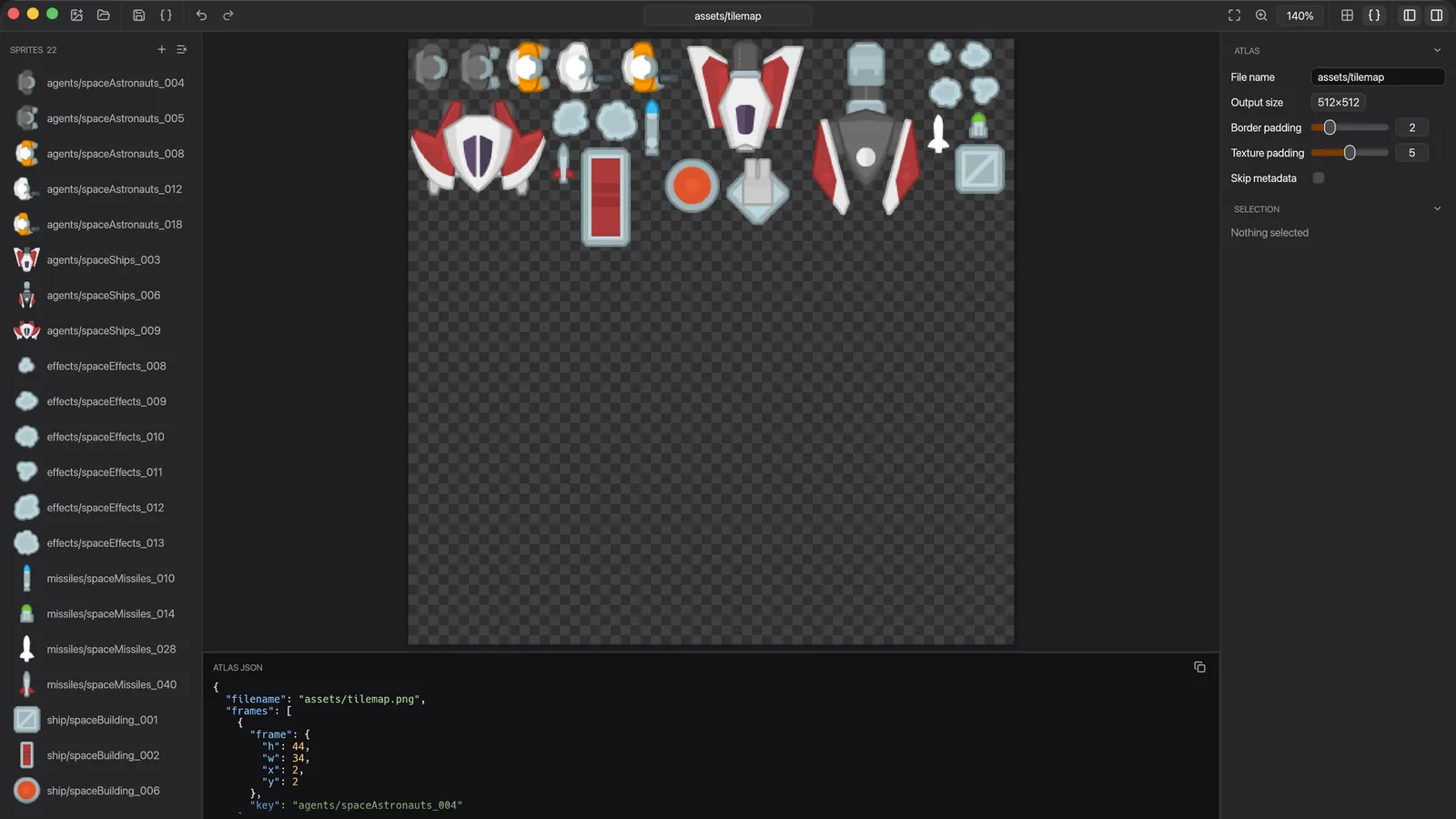
rPack turns a pile of separate images into one texture atlas, plus a JSON file that records where each frame ended up. The GUI, CLI and Bevy plugin share the same format, so you can start in the GUI and move to scripted builds later without changing how your game loads its sprites.
The tools
- Desktop and web app. Drag and drop images or a whole folder, adjust the output size and padding in the inspector, and check the atlas JSON under the preview before saving. The web version runs in the browser with nothing to install.
- CLI. Install it with
cargo install rpack_cli. It can generate an atlas directly, create a config file, generate an atlas from that config, or convert a texture between formats, which suits build scripts and CI. Atlases can be saved as PNG, DDS or Basis. - Bevy plugin.
bevy_rpackloads.rpack.jsonatlases into a Bevy game. - Core library.
rpack_coreholds the packing, configuration and data types shared by the other crates. It has no UI dependencies, and it needs Bevy only through an optional feature.
The format
An .rpack.json file names the atlas image, gives its size and lists every frame with a key and its position and dimensions. A sprite such as tiles/ship/spaceBuilding_001 is then looked up by that key, not by a hard-coded rectangle.
Status
rPack is under active development. All of its crates are now at 0.7, which brought a redesigned GUI and the new core crate. bevy_rpack 0.7 targets Bevy 0.20.